



EFT Pro Dongle Update V5.5.3 is released :
Release Date: 07-10-2026
What’s New in This Update?
[Apple - Purple Mode]
More features and supported models coming soon — stay tuned!
Update your dongle now and enjoy the latest features instantly!
OTA Update – No Manual Download Required!
For New User Direct Download File
Get Now EFT Dongle From Nearest Distributors/Reseller Here
Kind Regards, Easy Firmware Team
GSMZone Platform | View Account
Release Date: 07-10-2026
What’s New in This Update?
[Apple - Purple Mode]
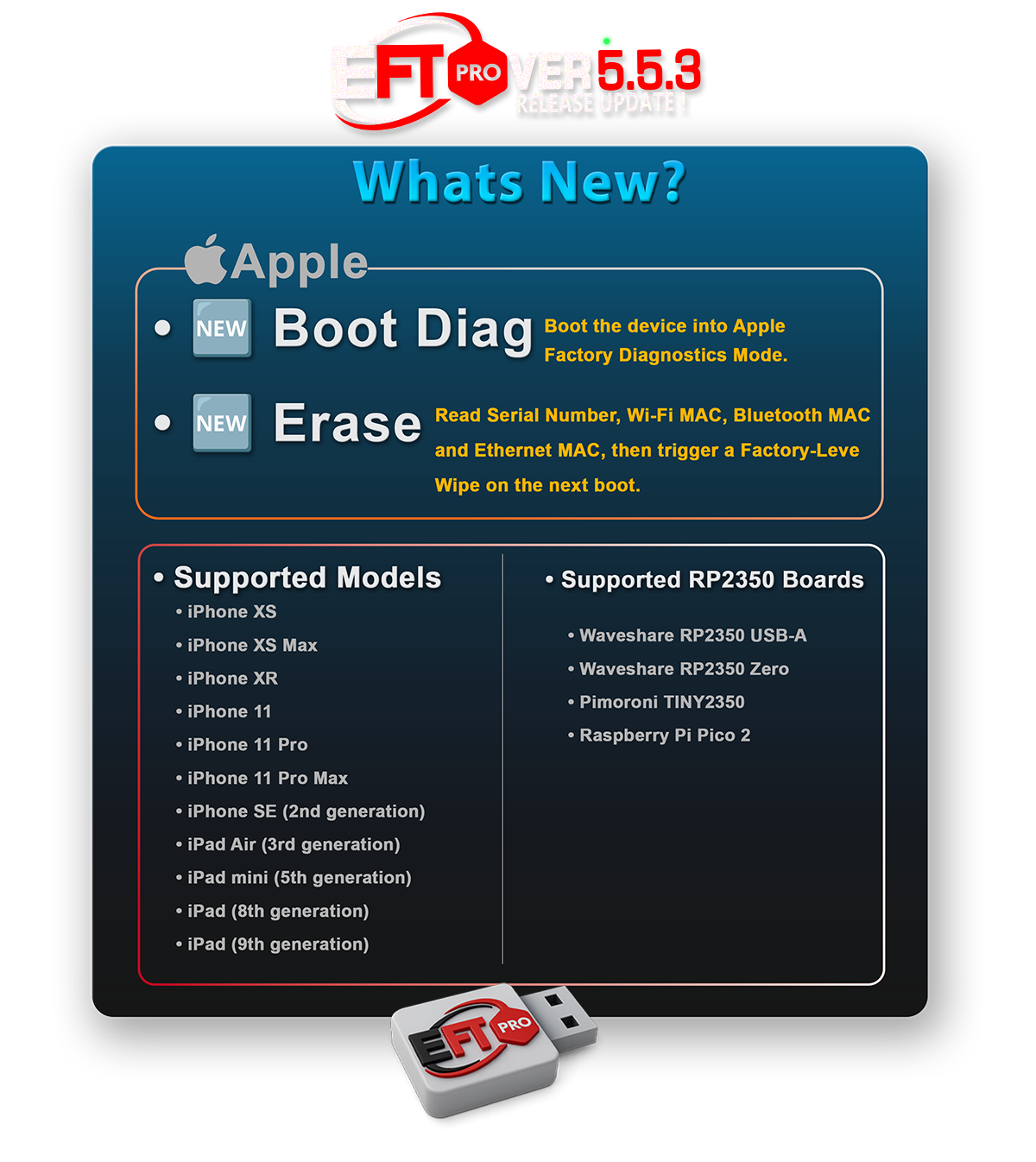
New operations for supported Apple A12 / A13 devices,
powered by the usbliter8 RP2350 Hardware Pwner:
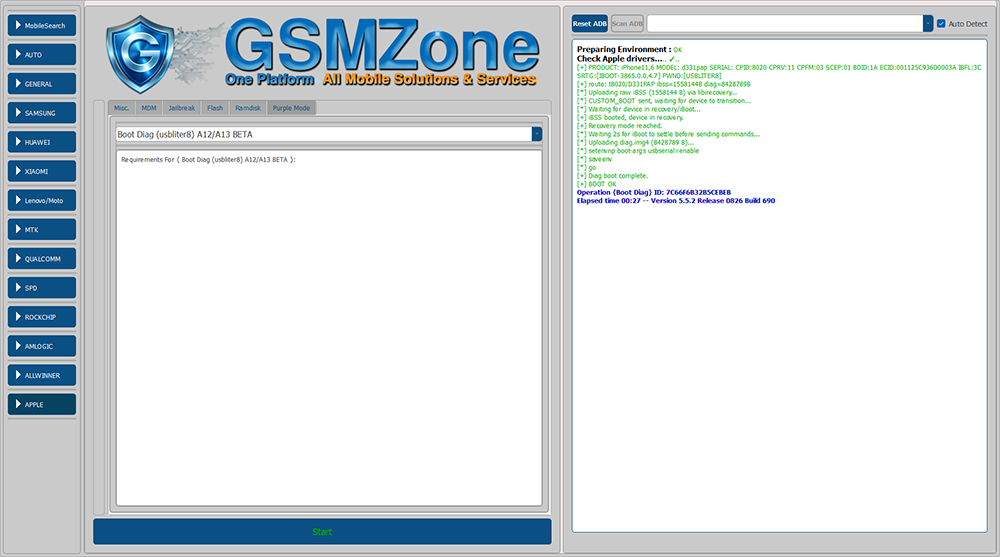
✔ Boot Diag – Boot the device into Apple Factory Diagnostics Mode BETA
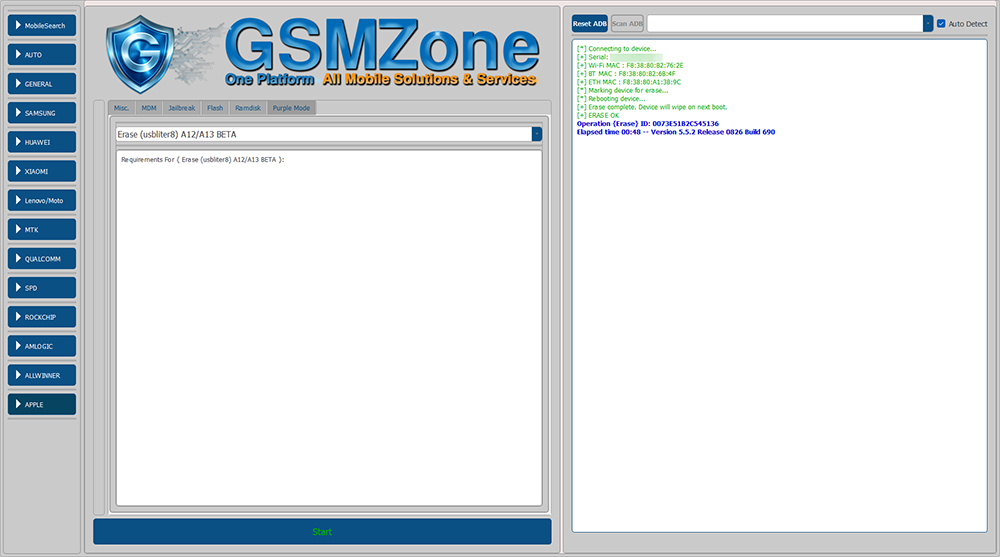
✔ Erase – Read Serial / Wi-Fi MAC / Bluetooth MAC / Ethernet MAC, then trigger a Factory-Level Wipe on next boot BETA
• Apple Supported Models:
• iPhone XS
• iPhone XS Max
• iPhone XR
• iPhone 11
• iPhone 11 Pro
• iPhone 11 Pro Max
• iPhone SE (2nd generation)
• iPad Air (3rd generation)
• iPad mini (5th generation)
• iPad (8th generation)
• iPad (9th generation)
⚠ Requirements
• Boot Diag and Erase require a compatible RP2350-based Hardware Pwner running usbliter8 firmware.
• You can use the new Prepare usbliter8 Board operation to automatically detect and flash supported RP2350 boards with the required firmware.
• Before running Boot Diag or Erase, the target iPhone or iPad must first be successfully placed into Pwned DFU Mode using the usbliter8 Hardware Pwner.
.
Supported RP2350 Boards
• Waveshare RP2350 USB-A
• Waveshare RP2350 Zero
• Pimoroni TINY2350
• Raspberry Pi Pico 2
Note: Any compatible RP2350-based board flashed with usbliter8 firmware may also be used.
Usage Flow
1. Connect the RP2350 Hardware Pwner to the PC.
2. Put the iPhone / iPad into DFU Mode, then connect it to the RP2350 USB-A port.
3. Disconnect and reconnect the RP2350 board to the PC to start the pwn process.
4. Wait until the device is successfully placed into Pwned DFU Mode.
5. Select Boot Diag → the device boots into Apple Factory Diagnostics Mode.
6. Select Erase → a Factory-Level Wipe is triggered on the next boot.

More features and supported models coming soon — stay tuned!
Update your dongle now and enjoy the latest features instantly!
OTA Update – No Manual Download Required!
For New User Direct Download File

Get Now EFT Dongle From Nearest Distributors/Reseller Here
Kind Regards, Easy Firmware Team
GSMZone Platform | View Account
