



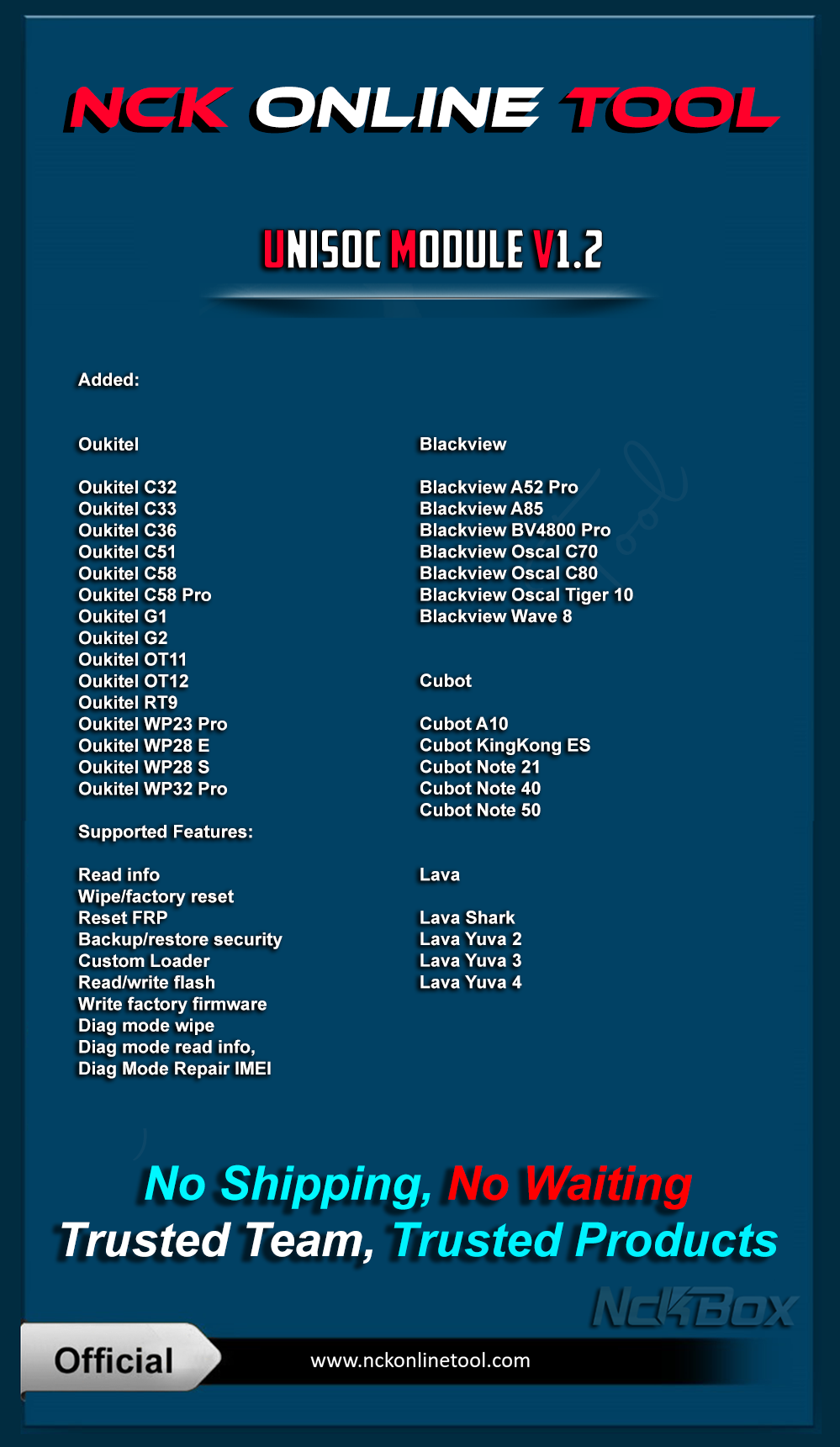
Added:
Blackview
- Blackview A52 Pro
- Blackview A85
- Blackview BV4800 Pro
- Blackview Oscal C70
- Blackview Oscal C80
- Blackview Oscal Tiger 10
- Blackview Wave 8
Cubot
- Cubot A10
- Cubot KingKong ES
- Cubot Note 21
- Cubot Note 40
- Cubot Note 50
Lava
- Lava Shark
- Lava Yuva 2
- Lava Yuva 3
- Lava Yuva 4
Oukitel
- Oukitel C32
- Oukitel C33
- Oukitel C36
- Oukitel C51
- Oukitel C58
- Oukitel C58 Pro
- Oukitel G1
- Oukitel G2
- Oukitel OT11
- Oukitel OT12
- Oukitel RT9
- Oukitel WP23 Pro
- Oukitel WP28 E
- Oukitel WP28 S
- Oukitel WP32 Pro
Supported Features:
- Read info
- Wipe/factory reset
- Reset FRP
- Backup/restore security
- Custom Loader
- Read/write flash
- Write factory firmware
- Diag mode wipe
- Diag mode read info,
- Diag Mode Repair IMEI
Improved phone flashing, added phone storage autodetection
Added auto splloader selection (UFS or EMMC),
this must solve problems with some dead phone after flash reported by users.
Changed and fixed write NV on write factory PAC firmware.
Improved reset phone FRP for supported phones.
Improved read phone info on supported phones.
https://forum.**************/vbb/f826/how-download-active-downlaod-account-dongle-box-users-3433762/
Official Website:
NCK Online Tool - Best Mobile Servicing Tool
For Help & FAQ Specially how to use PC Reset MUST READ
Help & Frequently Asked Questions - NCK Online Tool
in Case of you changing pc without following the needed steps, it will result of you having to wait few days of verifications.
Download from Support Page, or From Downloads Page.
Downloads - NCK Online Tool
Telegram Channel
NCK Online Tool Official (c)
Password For installer: NckTeam