



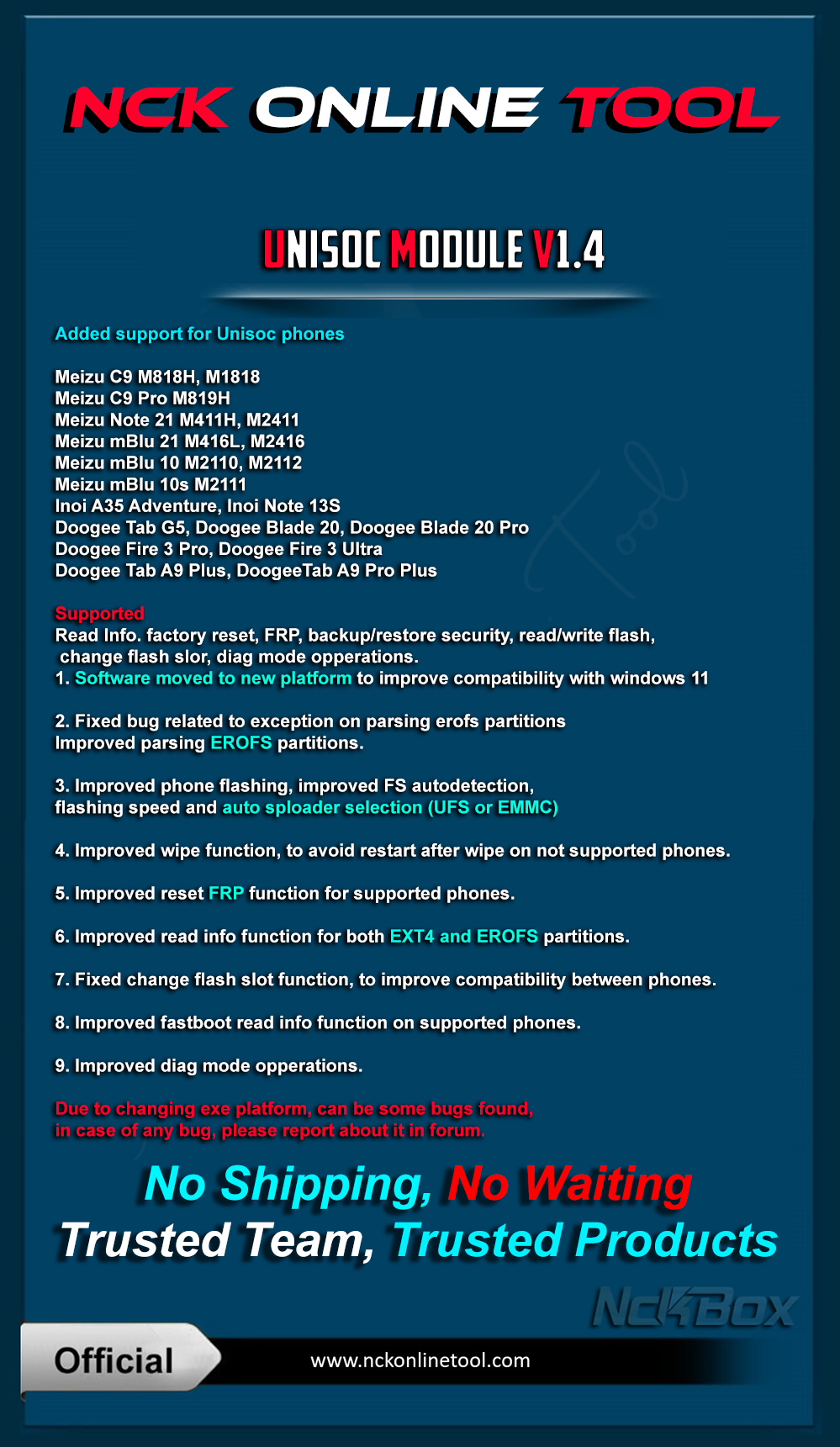
Added:
Meizu
- Meizu C9 M818H, M1818
- Meizu C9 Pro M819H
- Meizu Note 21 M411H, M2411
- Meizu mBlu 21 M416L, M2416
- Meizu mBlu 10 M2110, M2112
- Meizu mBlu 10s M2111
Inoi
- Inoi A35 Adventure
- Inoi Note 13S
Doogee
- Doogee Tab G5, Doogee Blade 20, Doogee Blade 20 Pro
- Doogee Fire 3 Pro, Doogee Fire 3 Ultra
- Doogee Tab A9 Plus, DoogeeTab A9 Pro Plus
Supported
Read Info. factory reset, FRP, backup/restore security, read/write flash, change flash slor, diag mode opperations.
Fixes:
- 1. Exe was moved to new platform to improve compatibility with windows 11
- 2. Fixed bug related to exception on parsing erofs partitions
- Improved parsing EROFS partitions.
- 3. Improved phone flashing, improved FS autodetection, flashing speed and auto sploader selection(UFS or EMMC)
- 4. Improved wipe finction, to avoid restart after wipe on not supported phones.
- 5. Improved reset FRP function for supported phones.
- 6. Improved read info function for buth EXT4 and EROFS partitions.
- 7. Fixed change flash slot function, to improve compatibility between phones.
- 8. Improved fastboot read info function on supported phones.
- 9.Improved diag mode opperations.
Official Website:
NCK Online Tool - Best Mobile Servicing Tool
For Help & FAQ Specially how to use PC Reset MUST READ
Help & Frequently Asked Questions - NCK Online Tool
in Case of you changing pc without following the needed steps, it will result of you having to wait few days of verifications.
Download from Support Page, or From Downloads Page.
Downloads - NCK Online Tool
or
NCKOnline_Tool_Unisoc_Installer_v1.4.rar
Telegram Channel
NCK Online Tool Official (c)
Password For installer: NckTeam