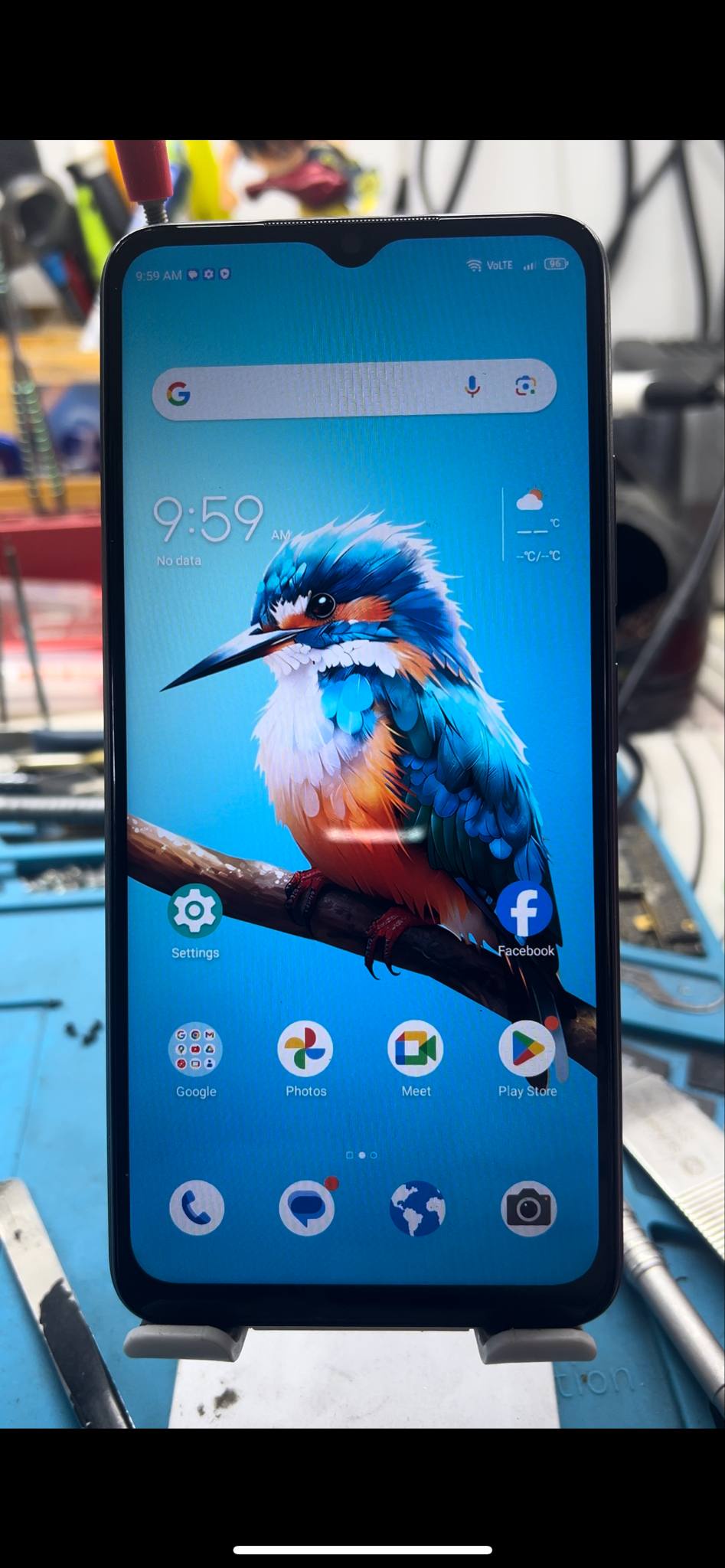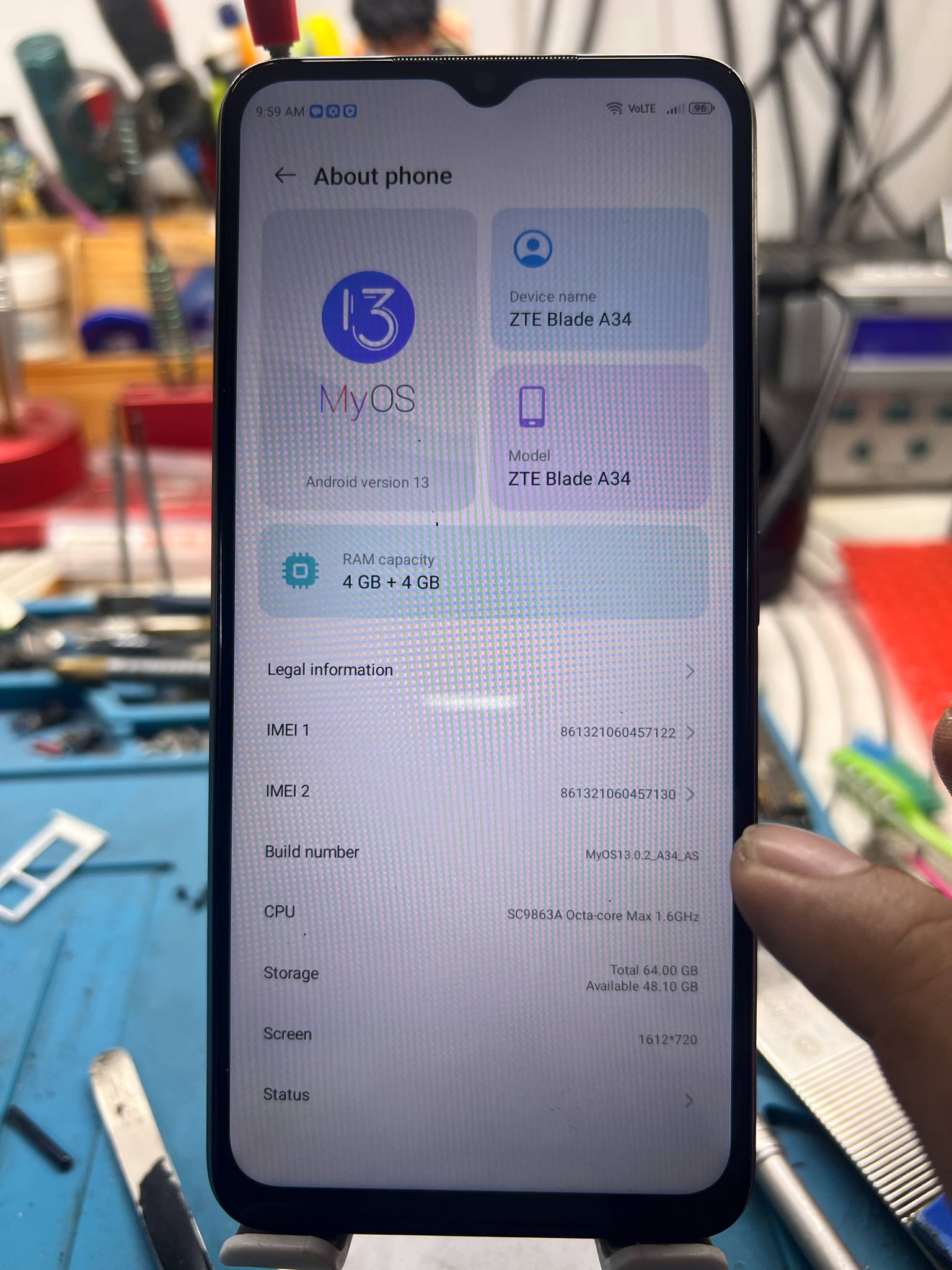
Unit Mode:
ZTE Blade A34
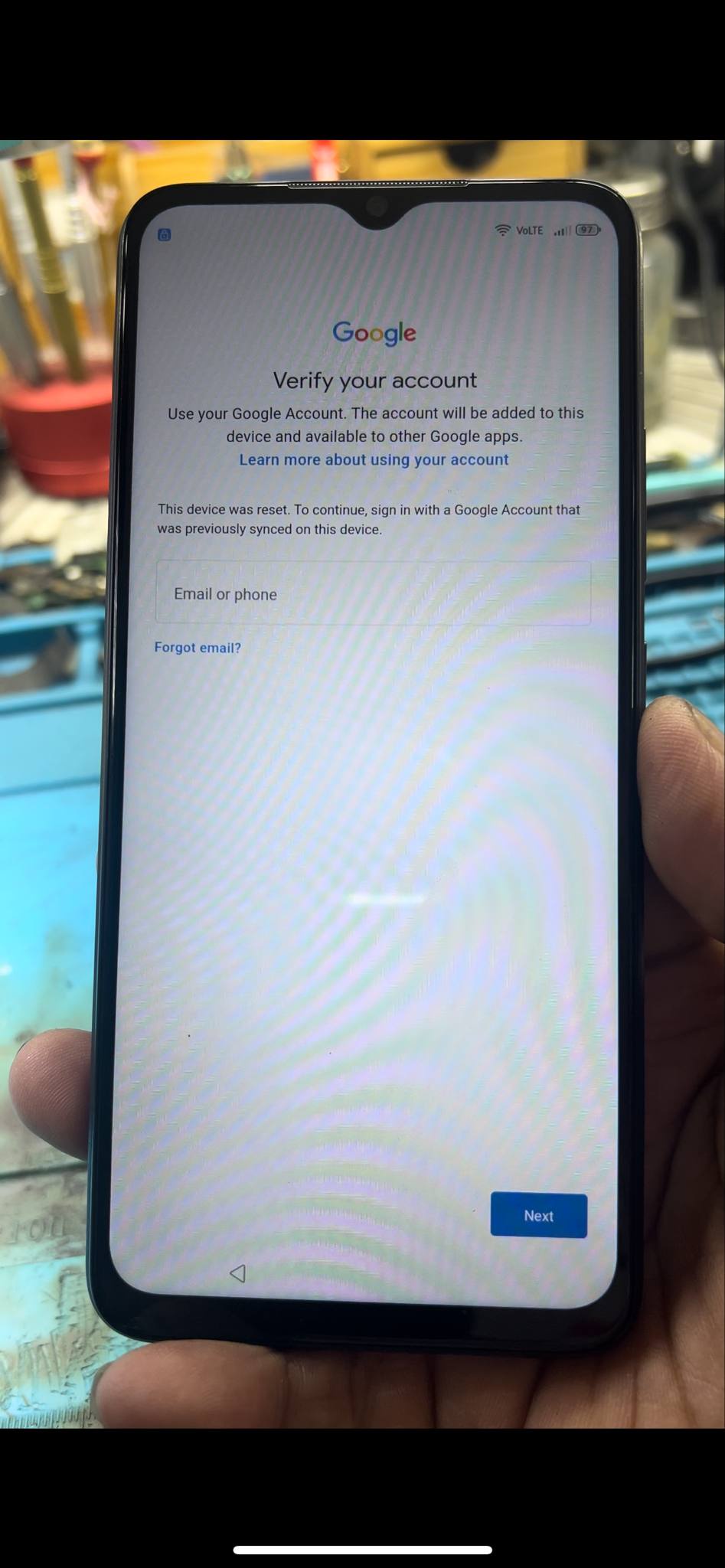
Issue:
FRP
Solution:
Remove FRP By Unlocktools
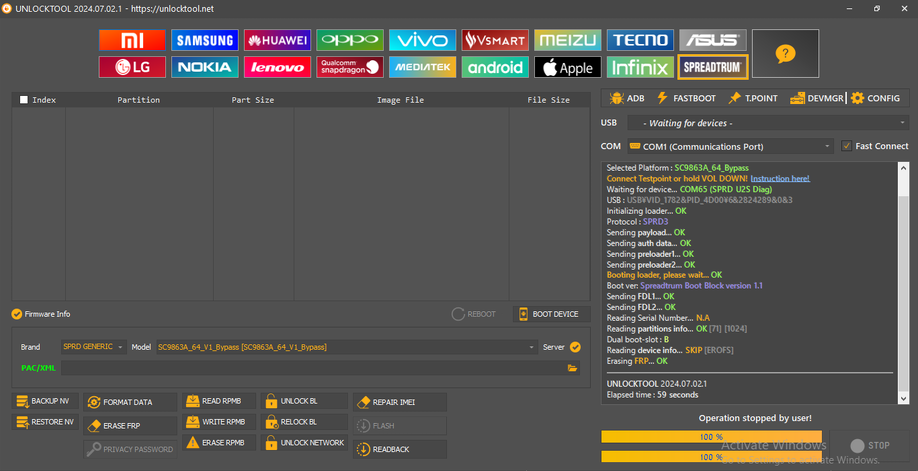
-Open Unlocktools
-Select Spreadtrum
-Select Brand SPRD/Generic
-Select Model SC9863A_64_V1_Bypass [SC9863A_64_V1_Bypass]
-Turn Off The Phone
-Hold Volume Down Then Connect Cable
-After Finsih Set-Up Device
ZTE Blade A34
Issue:
FRP
Solution:
Remove FRP By Unlocktools
-Open Unlocktools
-Select Spreadtrum
-Select Brand SPRD/Generic
-Select Model SC9863A_64_V1_Bypass [SC9863A_64_V1_Bypass]
-Turn Off The Phone
-Hold Volume Down Then Connect Cable
-After Finsih Set-Up Device