


- Jul 28, 2018
- 2,584
- 2,626
- PayPal:
-

If you repair Motorola phones, this news can really help you. Sometimes Motorola phones come completely dead after overheating, wrong flashing, or software issues. In many of these cases, normal firmware flashing does not fix the phone and it still stays dead. That is where dump files become useful. Now dump files for Moto Edge 60 Fusion and Moto G56 are available, and they can help bring dead phones back to life.
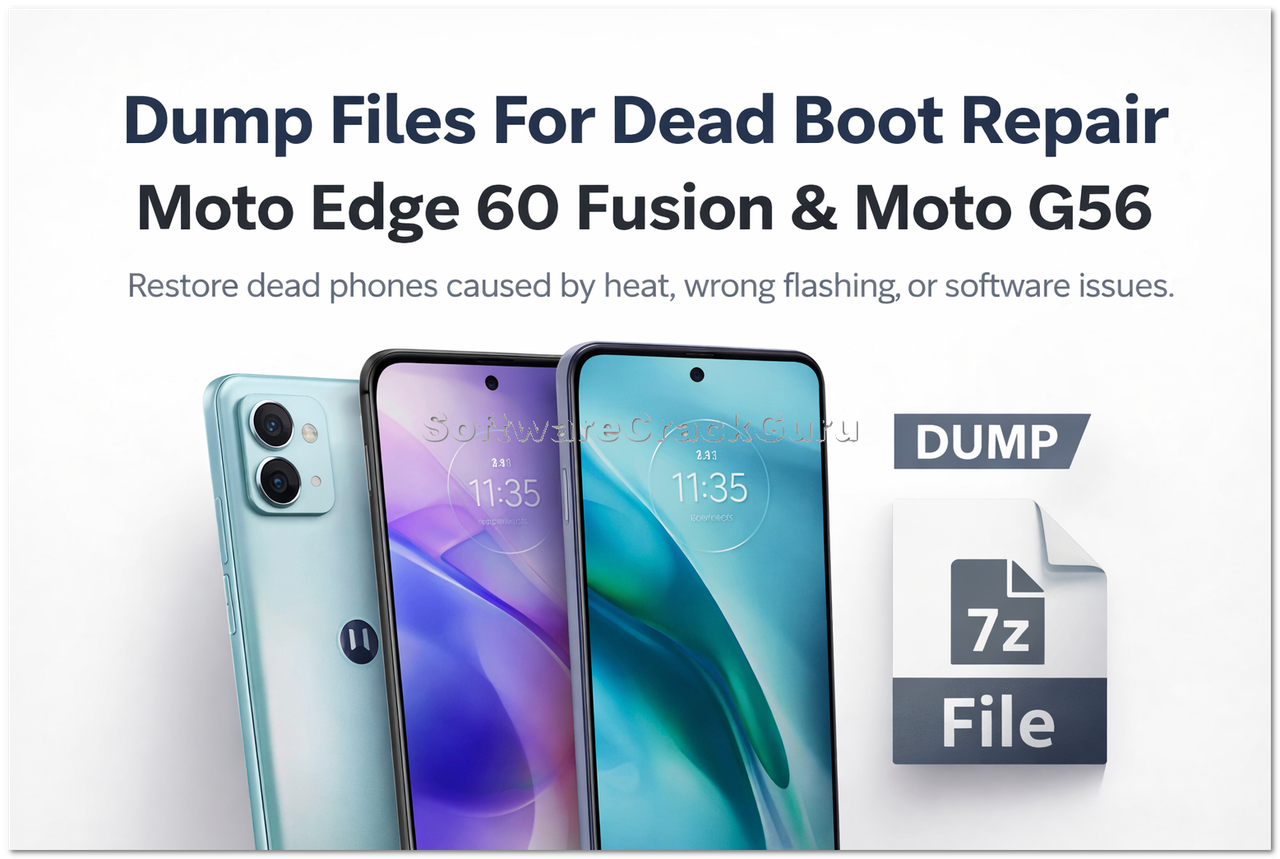
Download Motorola Dump Files Here
What Are Dump Files and Why They Are Used?
Dump files are full memory backup files of a working phone. When a phone becomes dead due to heat or software damage, some important partitions get corrupted. Normal firmware cannot always fix this problem. In that situation, dump files are written using special tools to bring the phone back to life.Supported Models
- Motorola Moto Edge 60 Fusion XT2503-1
- Motorola Moto G56 XT2529-1
Features of These Dump Files
- Fix dead boot problem
- Fix heat damaged phones
- Repair phones not detected properly
- Restore important partitions
- Tested on real devices
- Useful for professional mobile technicians
What's New / Update
These dump files were shared for technicians who were searching for solutions for data loss and heat damaged Motorola devices. Many new Motorola models come with new security, and normal flashing does not repair dead boot. These dumps help revive the phone so it can boot again and then you can flash full firmware normally.How To Use Dump Files (Step By Step)
- Open your flashing tool (like UFI, EasyJTAG, Hydra, etc.)
- Connect phone in EDL or BROM mode
- Load the dump file in the tool
- Write selected partitions or full dump
- After writing, disconnect phone
- Now flash full firmware
- Phone should boot normally
Download Dump Files
You can download the dump files from the link below:Download Motorola Dump Files Here
Advantages / Benefits
- Save dead phones
- Fix heat damaged devices
- Useful for mobile repair shops
- Increase repair success rate
- Works when normal flashing fails
