


Added:
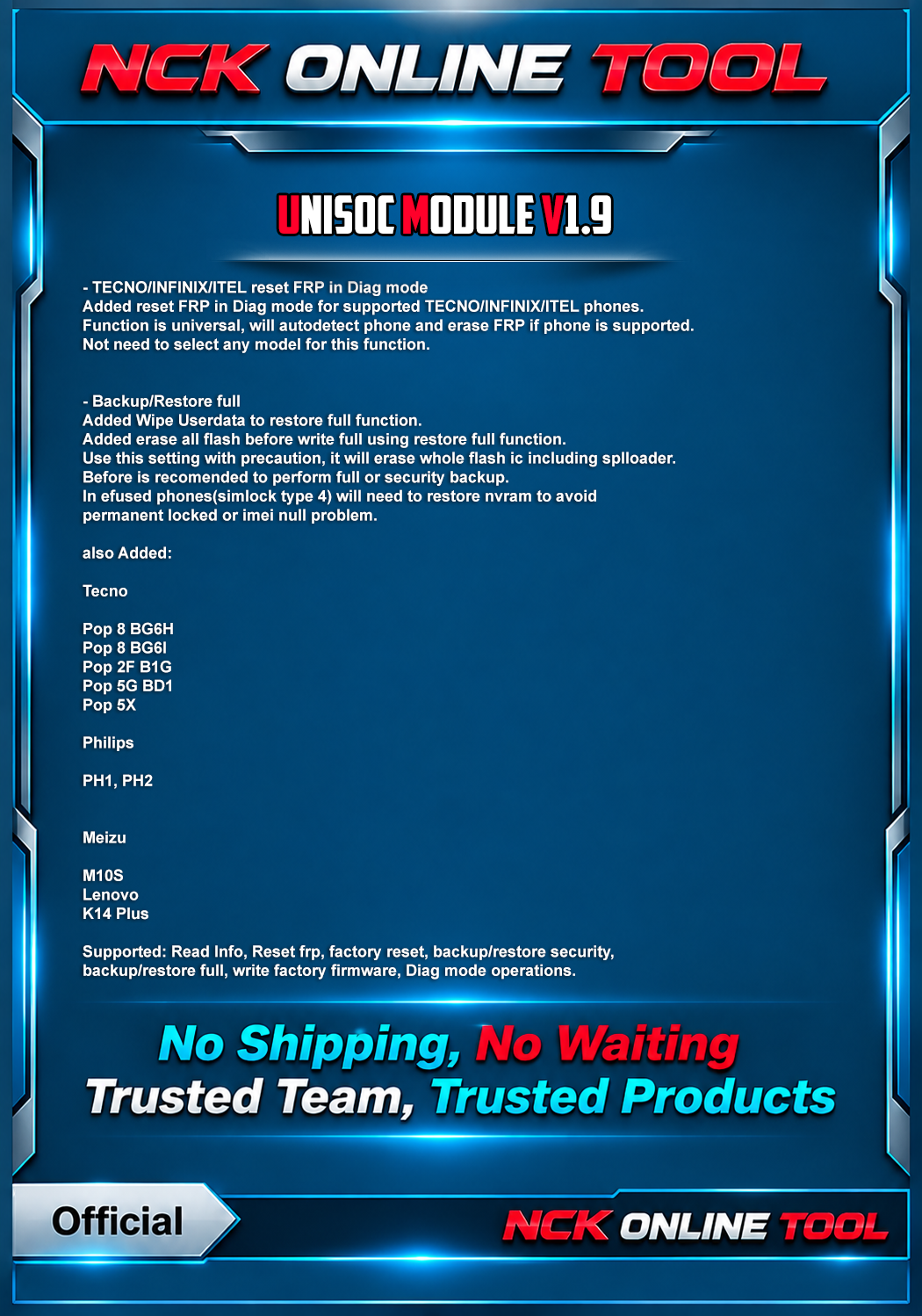
- TECNO/INFINIX/ITEL reset FRP in Diag mode
Added reset FRP in Diag mode for supported TECNO/INFINIX/ITEL phones.
Function is universal, will autodetect phone and erase FRP if phone is supported.
Not need to select any model for this function.
- Backup/Restore full
Added Wipe Userdata to restore full function.
Added erase all flash before write full using restore full function.
Use this setting with precaution, it will erase whole flash ic including splloader.
Before is recomended to perform full or security backup.
In efused phones(simlock type 4) will need to restore nvram to avoid
permanent locked or imei null problem.
Added:
Tecno
Code:
Pop 8 BG6H
Pop 8 BG6I
Pop 2F B1G
Pop 5G BD1
Pop 5X
Philips
Code:
PH1
PH2
Meizu
Code:
M10S
Lenovo
K14 Plusbackup/restore full, write factory firmware, Diag mode operations.
Official Website:
NCK Online Tool - Best Mobile Servicing Tool
For Help & FAQ Specially how to use PC Reset MUST READ
FAQ & Help - NCK Online Tool
in Case of you changing pc without following the needed steps, it will result of you having to wait few days of verifications.
Download from Support Page, or From Downloads Page.
Supported Models & Chipsets - NCK Online Tool
Telegram Channel
NCK Online Tool Official (c)
Password For installer: NckTeam